





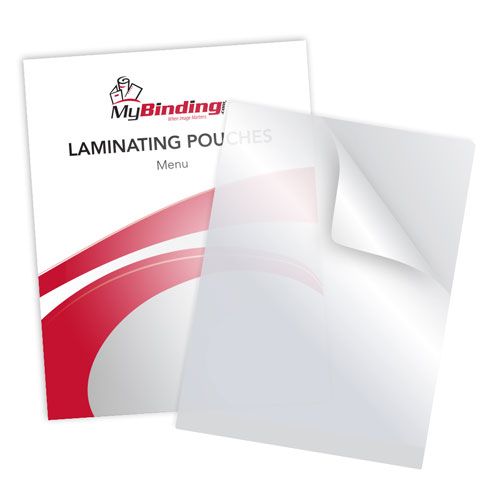
10MIL Menu Size 11.5" x 17.5" Laminating Pouches - 50PK
FAQ: 0 Questions, 0 Answers
0 Q&As



Item# TLP10MENU
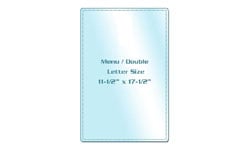
- 11-1/2" x 17-1/2" pouch laminate
- 10mil thick laminate
- Gloss lamination finish
- Great for creating custom menus that resist damage from stains and spills
Product Name
Item Number
Price
Qty
ProductDescription
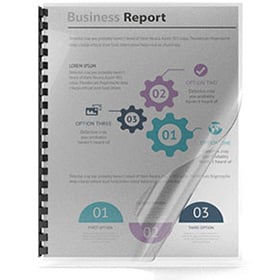
Our high quality laminating pouches help to improve the value of all printed materials. They enhance colors by turning dull prints into bright lustrous colors, help to prolong the life of printed materials and preserves them and protect them from outside elements. All of our pouches include one carrier per box. These pouches have superb clarity and offer exceptional value for reasonable prices.
Item Specifications
- Size: Menu (11-1/2" x 17-1/2")
- Thickness: 10mil
- Quantity: 50PK
- Corners: Round (1/8" radius)
- Part Number: TLP10MENU
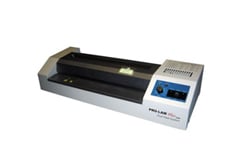
- Compatible Equipment: Pouch Laminators
Demonstration Video
Menu Size Laminating Pouches Overview
Transcript :
Welcome to MyBinding video. It's an exciting time around the office when There's menu size laminating pouches. It gets even more exciting when we have a range of thickness from 3 mil to 10 mil. In every box There's going to be a stack of pouches and also a carrier. And now for the laminating process. First, peel your pouch open and place the paper in. This is the time when you're going to want to make sure your margins are even on every side. Next, you want to place it all into the carrier provided. The carrier ensures that no adhesive seeps into your machine. Next, feed it into your laminator ...
Welcome to MyBinding video. It's an exciting time around the office when There's menu size laminating pouches. It gets even more exciting when we have a range of thickness from 3 mil to 10 mil. In every box There's going to be a stack of pouches and also a carrier. And now for the laminating process. First, peel your pouch open and place the paper in. This is the time when you're going to want to make sure your margins are even on every side. Next, you want to place it all into the carrier provided. The carrier ensures that no adhesive seeps into your machine. Next, feed it into your laminator. The roller should take the carrier and heat your project. When it's through, take it out but be careful. It might be hot. Remove the project from the carrier and like magic, you've got yourself a laminated menu. For more demos, reviews and how-to's, go to MyBinding.com.