Fast Shipping. Reliable Service. Every Time.

Get your machines and supplies delivered quickly because deadlines shouldn’t wait.

Frequently Asked Questions

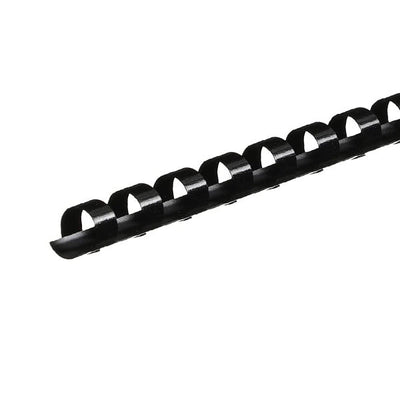
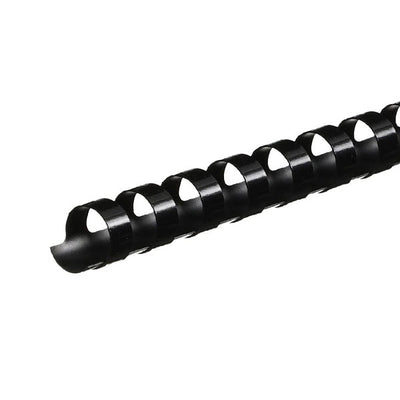
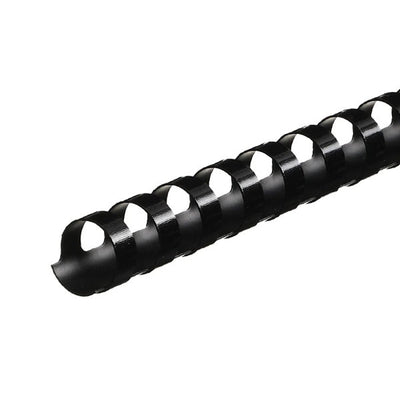
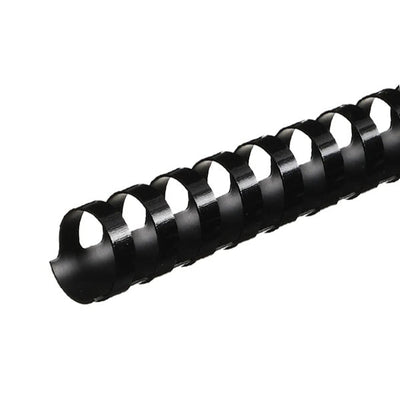
Choose comb size by measuring the full document stack, including front cover, back cover, tabs, and any heavier sheets. Page count is a helpful estimate, but it is not enough because paper weight changes the final thickness. A comb that is too small makes pages hard to turn and can cause tearing near the holes. A comb that is too large looks loose and makes the document feel unfinished. The best fit allows pages to turn smoothly without crowding the spine. If your team binds many different document sizes, keep a sizing guide near the machine so users do not guess from page count alone.

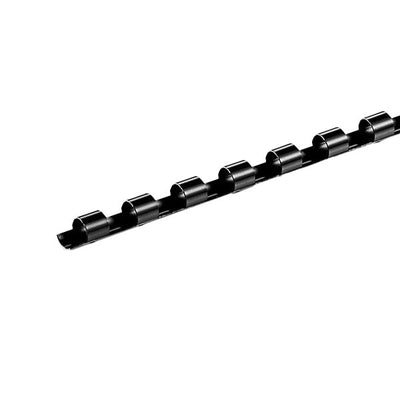
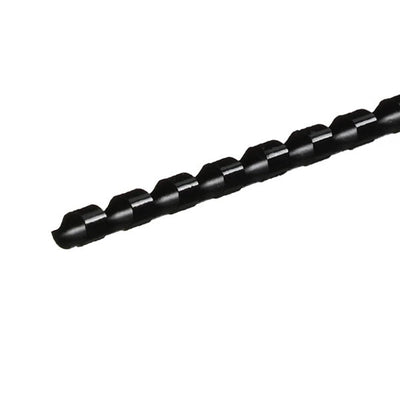
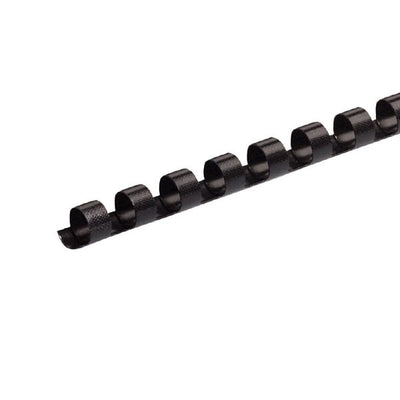
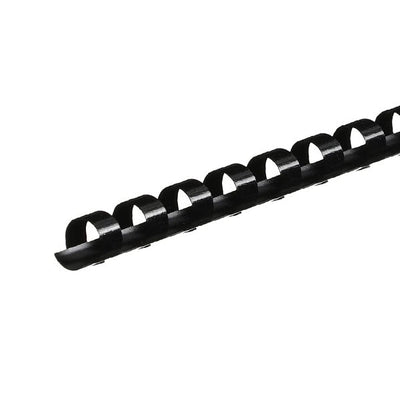
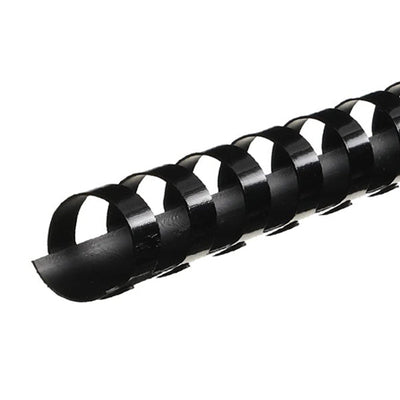
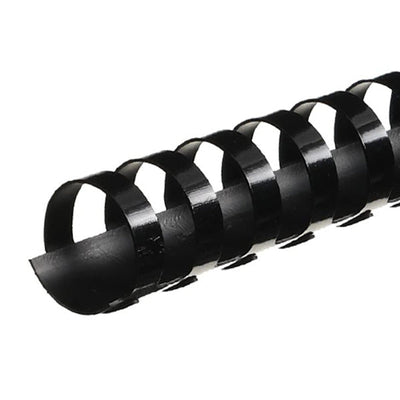
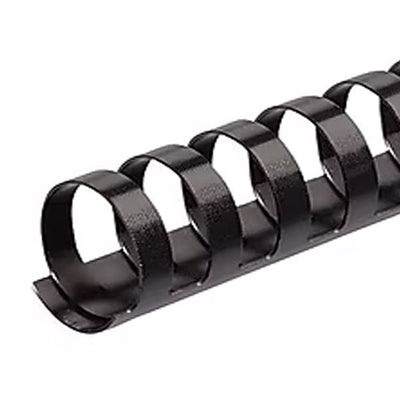
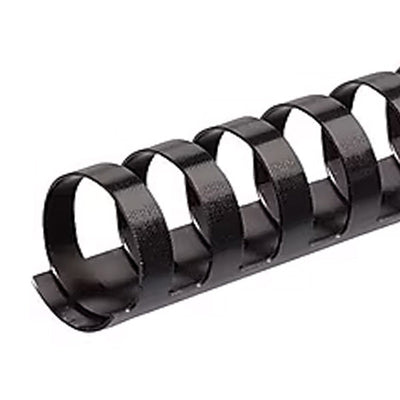
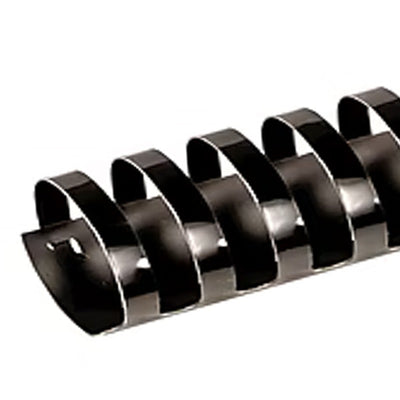
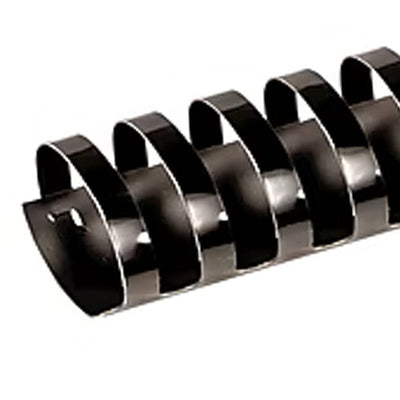
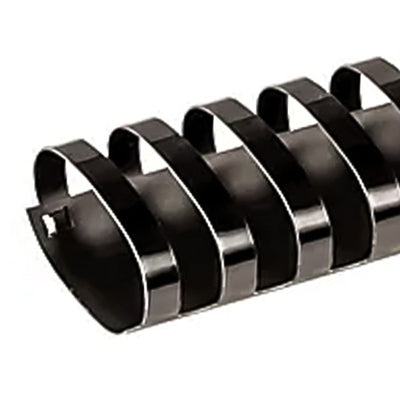
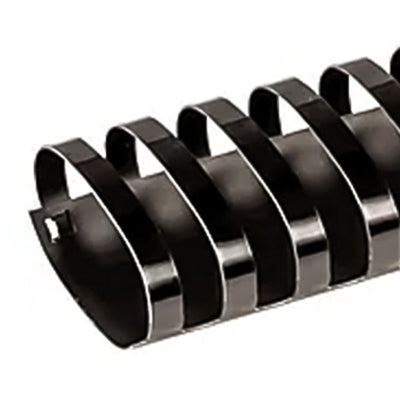
Comb diameter is the physical size of the plastic comb spine, while sheet capacity is the approximate number of pages it can hold. Capacity usually assumes standard 20 lb paper, so the number changes when you add heavy paper, tabs, clear covers, or textured backs. For example, two reports with the same page count may need different comb sizes if one uses heavier paper or several dividers. Diameter also affects page turning. Smaller combs make thin documents look clean, while larger combs are needed for manuals and thick reports. If your current supplies are not turning smoothly, compare sizes in plastic comb binding supplies before reordering.

Use page count as a rough guide, but choose the final comb size by document thickness. This is the safest way to avoid tight or loose binds. Stack the finished pages with covers and dividers, press the stack lightly, and compare it to a comb sizing chart or measuring guide. The comb should have enough room for pages to turn without pulling against the holes. If the document will be used often, allow a little extra room so pages do not bind tightly. For client-facing reports, avoid oversizing too much because a loose comb can make the document look less polished.

Yes, plastic comb binding is one of the easier binding styles to edit. With a comb opener, you can reopen the comb, add or remove pages, and close it again. That makes comb binding useful for training manuals, draft reports, policy documents, course packets, and internal reference materials that may change. Reuse depends on the condition of the comb. If the teeth are bent, cracked, or no longer close evenly, replace the comb instead of reusing it. For frequent editing, make sure the original comb size leaves enough room for a few added pages. A bind that is already tight will not handle updates well.

Keep a range of comb sizes, clear front covers, sturdy back covers, and access to a compatible comb binding machine. The machine punches the correct 19-hole pattern and opens the comb so pages can be loaded cleanly. Comb color should match the customer’s brand, department system, or finished presentation, not just personal preference. Black, white, and navy are common for professional reports, while brighter colors can help separate departments or training levels. If your office produces repeated documents, standardize a few comb sizes and colors so reordering is easier, staff make fewer mistakes, and finished materials stay consistent across departments or client projects.batch 7

Featured Blogs

View all
Binding101 2018 Best Sellers

Binding101 2018 Best Sellers

Here is a list of our top-selling equipment for 2018, across all product categories, by volume of...

Read More
DIY Booklets: How to Make Event Programs, Catalogs, & Magazines

DIY Booklets: How to Make Event Programs, Catalogs, & Magazines

From handmade zines to polished product catalogs, folded and bound booklets are a classic way to share...

Read More
How to Make Custom Calendars: A Step-by-Step Guide

How to Make Custom Calendars: A Step-by-Step Guide

Custom calendars aren’t just great for organization — they’re also an excellent product line for small businesses,...

Read More
