Fast Shipping. Reliable Service. Every Time.

Get your machines and supplies delivered quickly because deadlines shouldn’t wait.

Frequently Asked Questions

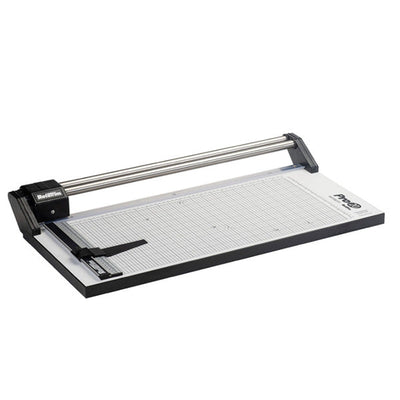
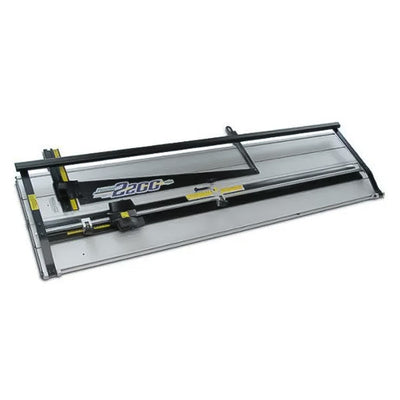
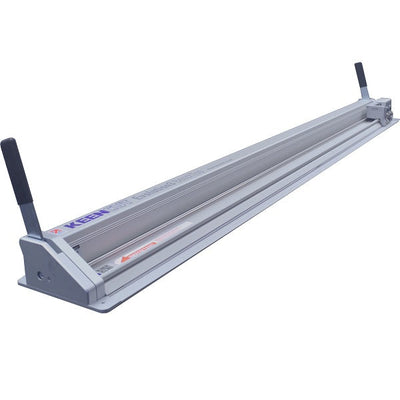
Choose the cutter by matching it to the material, stack thickness, cut length, and accuracy needed. A small desktop trimmer may be enough for photos, laminated sheets, and light office cutting. A guillotine cutter is better for straight cuts through small paper stacks. A rotary trimmer is often preferred for clean, precise cuts on single sheets, photos, and delicate materials because the blade travels along a guide rail. Heavier paper stacks may need a stronger cutter with a clamp and larger base. If your work is mostly one-sheet precision trimming, compare options in rotary trimmers before choosing a heavier cutter.

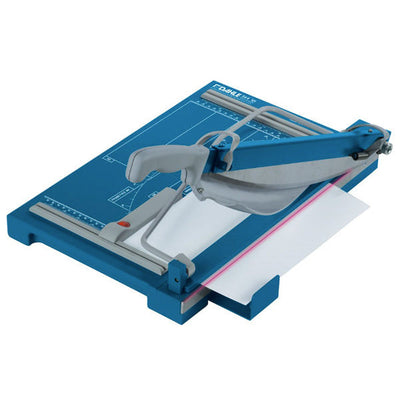
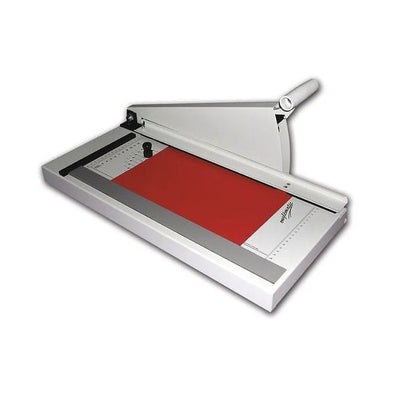
A guillotine cutter is a good choice when you need quick straight cuts through paper stacks, flyers, handouts, forms, or light card stock. The lever-style blade can cut more sheets at once than many light rotary trimmers, which saves time on repeated office jobs. It is less ideal for very delicate photo work, tiny precision trims, or rigid boards unless the cutter is rated for that material. Look for a strong base, accurate grid, safety guard, and clamp that holds the stack firmly. If you regularly cut batches and need a clean square edge, review guillotine cutters as part of your buying decision.

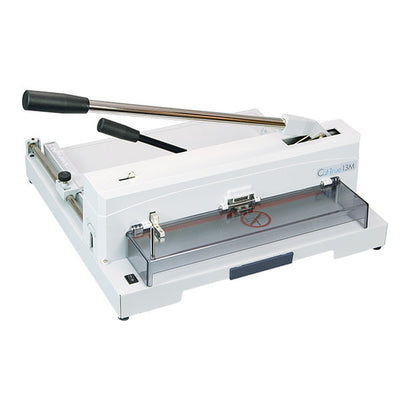
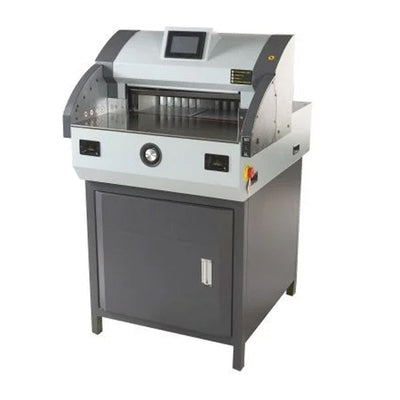
Cutting capacity should be judged by both sheet count and material type. A cutter rated for a certain number of sheets is usually referring to standard paper, not heavy card stock, laminated sheets, chipboard, or plastic covers. If you cut mixed materials, choose a tool with extra capacity rather than using the maximum rating all the time. Overloading a cutter can create rough edges, crooked cuts, blade wear, and safety problems. Cut length matters too. A cutter that is strong enough but too short for your document size will still slow the work. For frequent jobs, choose a cutter that handles your common stack comfortably, not one that barely reaches the rating.

A good cutter should protect the operator and keep the material stable. Look for blade guards, finger-safe cutting paths, non-slip feet, a stable base, and a clamp or hold-down for stacked materials. Accuracy features are just as important: clear measurement grids, alignment stops, adjustable guides, and visible cut lines help reduce mistakes. In shared work areas, simple controls are useful because not every user will be trained the same way. If branded materials, proposals, certificates, or client pieces are being trimmed, a small alignment error can make the work look careless. The right safety and alignment features help the cutter produce repeatable results without slowing the user down.

Keep blades sharp, replace cutting mats or sticks when worn, and clean adhesive or paper dust from the cutting area. A dull blade can tear the edge, drag the sheet, or require extra force, which can reduce accuracy and increase risk. Do not cut materials the tool is not designed to handle. Laminated sheets, chipboard, foam board, and plastic covers can wear blades differently than paper. Store the cutter where the base stays flat and the blade is protected. For repeated work, test the first cut before running a full batch. Regular maintenance helps keep page edges clean, protects printed borders, and reduces wasted materials.

Featured Blogs

View all
Binding101 2018 Best Sellers

Binding101 2018 Best Sellers

Here is a list of our top-selling equipment for 2018, across all product categories, by volume of...

Read More
DIY Booklets: How to Make Event Programs, Catalogs, & Magazines

DIY Booklets: How to Make Event Programs, Catalogs, & Magazines

From handmade zines to polished product catalogs, folded and bound booklets are a classic way to share...

Read More
How to Make Custom Calendars: A Step-by-Step Guide

How to Make Custom Calendars: A Step-by-Step Guide

Custom calendars aren’t just great for organization — they’re also an excellent product line for small businesses,...

Read More
