Fast Shipping. Reliable Service. Every Time.

Get your machines and supplies delivered quickly because deadlines shouldn’t wait.

Frequently Asked Questions

Choose the collation style based on how your copier or printer feeds paper and how you want the finished tab set to come out. Straight collated tabs are arranged in normal order. Reverse collated tabs are useful when the machine output reverses the page order. Uncollated tabs give more flexibility when sets are assembled manually or when the job does not follow a standard sequence. Before ordering, run a small printer test or check the output direction. For related organizing supplies, compare copier tabs with index tabs.

Choose reinforced edge copier tabs when the finished document will be handled often, stored in binders, or used as a reference manual. The reinforced binding edge helps the sheet hold up better around punched holes. Standard copier tabs may be enough for short-term packets or low-use files. If the tabs will be turned often, moved between binders, or used in training, legal, financial, or operational documents, reinforced tabs are usually worth considering. For binder-based documents, also consider whether the tab sheets will be paired with ring binders.

Choose the tab cut based on how many sections the document needs and how easy each section should be to find. Fewer tab positions give larger tabs with more room for labels. More tab positions allow more sections in one set, but each tab has less label space. For manuals, legal files, training packets, and financial documents, label readability matters. Choose the tab cut before designing the tab text so the label fits cleanly. Also confirm whether the document will be punched, bound, or inserted into binders before ordering.

Choose Mylar copier tabs when the tab edge needs extra durability, color visibility, or frequent handling support. They are useful for manuals, legal files, training documents, and reference sets where users turn to sections repeatedly. Plain paper tabs may be fine for lighter use, but Mylar-coated tabs can hold up better over time. If color coding is important, choose tab colors that match departments, file types, or workflow stages. For documents that also need page protection, consider pairing tabs with sheet protectors where appropriate.

Check printer compatibility, tab orientation, collation style, paper size, and whether the tabs are made for copier or laser printing. Setup matters because tab text must align correctly within a small space. Run a small test before printing a full set, especially when the document has many sections. Also confirm whether the tabs will be punched, bound, or placed inside binders. Prepunched options can save time if they match your binding system. The right setup prevents wasted tab sheets and keeps finished documents easier to use.

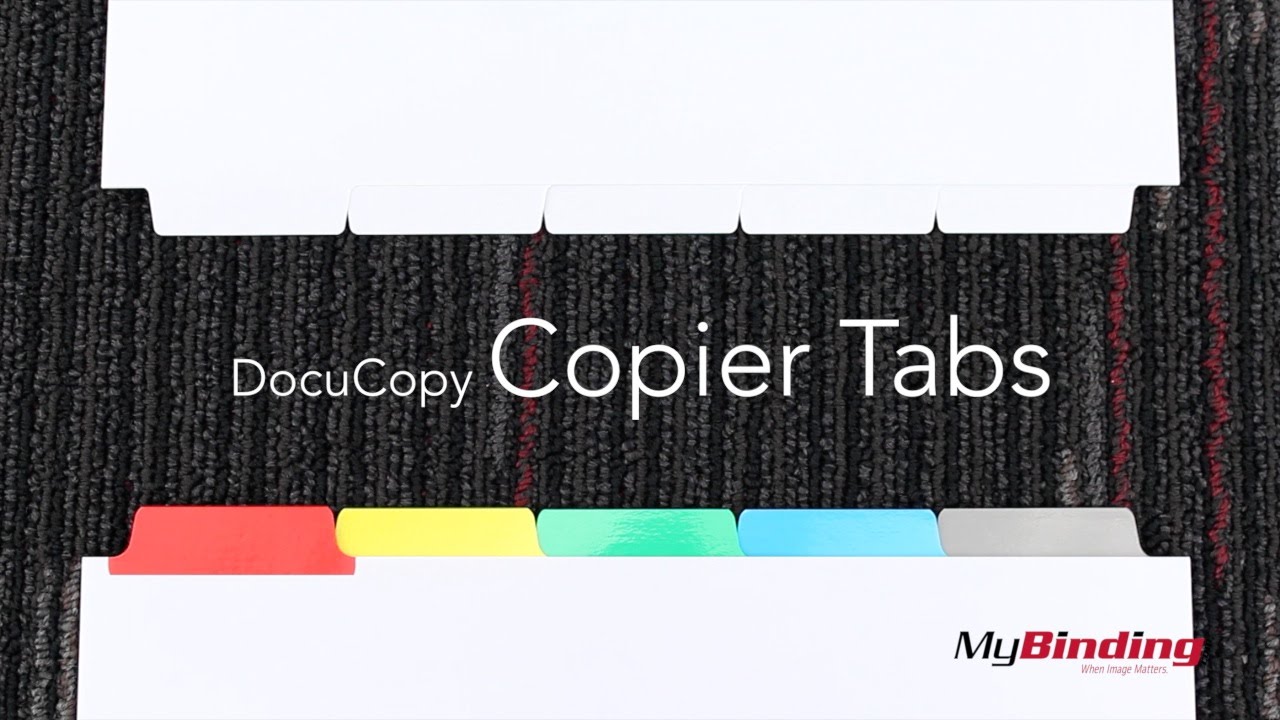
Welcome to MyBinding Video. These are MyBinding Copier Tabs, designed to print on with laser toner printers.First off, the are organized in different ways: Single Reverse has the last tab on top, and the first tab on the bottom, it repeats th

Featured Blogs

View all
Binding101 2018 Best Sellers

Binding101 2018 Best Sellers

Here is a list of our top-selling equipment for 2018, across all product categories, by volume of...

Read More
DIY Booklets: How to Make Event Programs, Catalogs, & Magazines

DIY Booklets: How to Make Event Programs, Catalogs, & Magazines

From handmade zines to polished product catalogs, folded and bound booklets are a classic way to share...

Read More
How to Make Custom Calendars: A Step-by-Step Guide

How to Make Custom Calendars: A Step-by-Step Guide

Custom calendars aren’t just great for organization — they’re also an excellent product line for small businesses,...

Read More